Compared
Tessera vs Ente Auth.
Two open-source authenticators with different jobs. If you want your codes on your phone, laptop and browser at once, use Ente Auth. Tessera is for keeping one vault on a Mac and reaching it from the terminal.
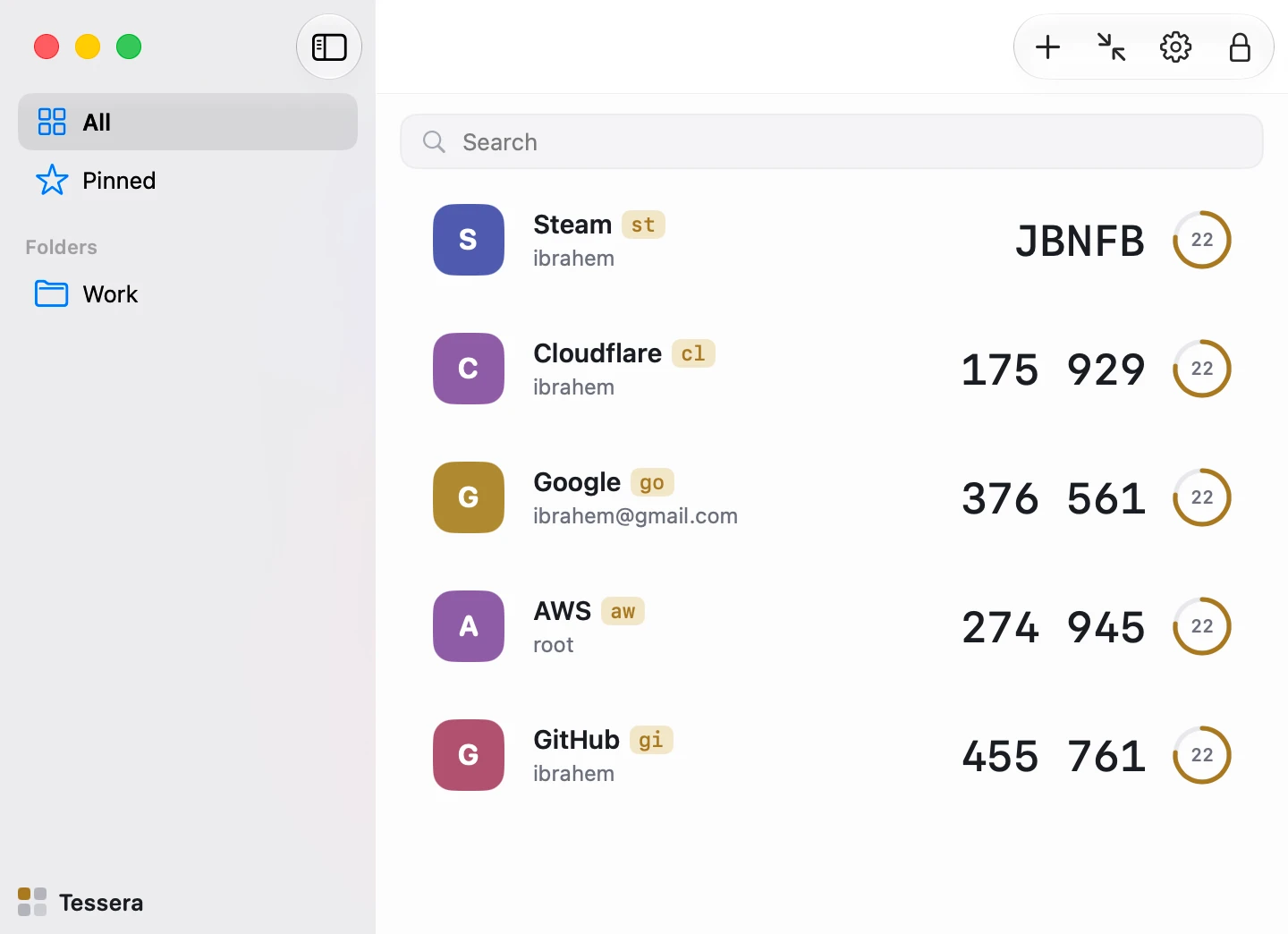
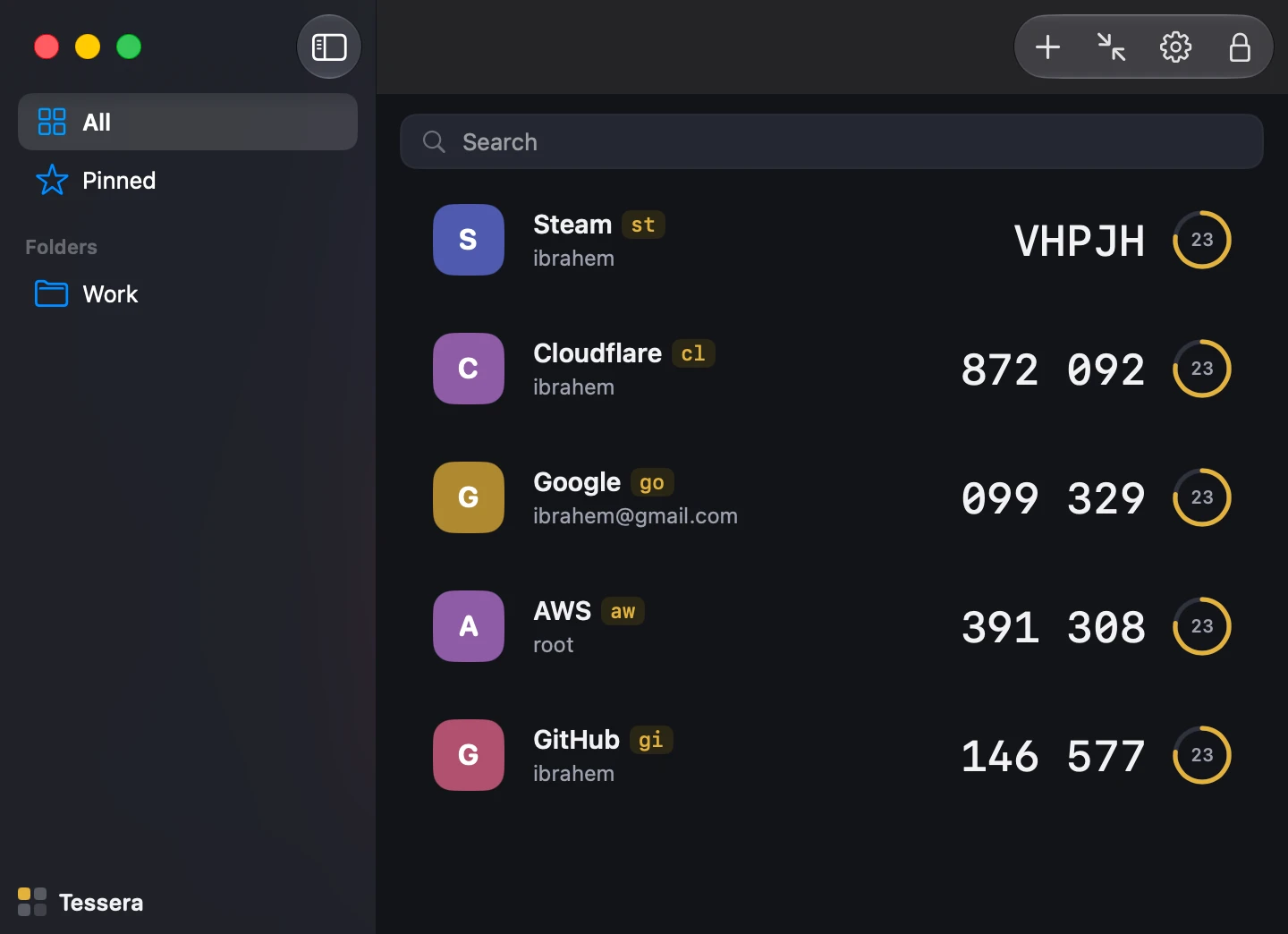
| Ente Auth | Tessera | |
|---|---|---|
| Price | Free | Free |
| Source | Open source | Open source, Apache-2.0 |
| Sync | End-to-end encrypted sync through an Ente account | None. The vault is a file you copy, back up, or merge with tess merge |
| Platforms | iOS, Android, web, and a desktop app for macOS, Windows and Linux | A native macOS app; the tess CLI on macOS and Linux |
| Mac App Store | Not listed, checked 2026-08-22 | Listed, sandboxed, privacy label Data Not Collected |
| Command line | None | tess: codes, --json, watch, import, export, completions |
| Vault format | Ente's own | Documented spec with two independent implementations tested against shared vectors |
| Import | otpauth links and QR codes, plus exports from other apps | otpauth links, QR images, Google Authenticator exports, Aegis, 2FAS and Raivo files |
Pick Ente Auth if
- You use more than one device and want them in sync without doing anything.
- You want a phone app from the same vendor.
Pick Tessera if
- Your codes should stay on one Mac, in a file you can read the format of.
- You want tess code github -c in a shell, JSON for scripts, and Touch ID in the app.
- You want the app to come through the Mac App Store, sandboxed, with no network entitlement.
Moving in either direction
Both read standard otpauth links and QR codes. For any service, the setup QR from its security page works in either app. Tessera also imports an Ente-style export only if it is a plain file of otpauth lines; encrypted exports need to be decrypted first.
Facts about Ente Auth were checked on 2026-08-22 and may have changed; its site is ente.io/auth.