Compared
Tessera vs Authy.
Authy is a hosted authenticator from Twilio. Tessera is a local one. The difference is where the secrets live and who can get at them.
| Authy | Tessera | |
|---|---|---|
| Where the secrets live | Encrypted backups on Twilio's servers, tied to your phone number | An encrypted file on your Mac |
| Account | Required | None |
| Source | Closed | Open source, Apache-2.0 |
| Desktop | The desktop apps were discontinued in August 2024 | A native macOS app and the tess CLI |
| Phone | iOS and Android | None |
| Export | No export | tess export, the app's vault export, and otpauth links or QR codes per account |
| Price | Free | Free |
Pick Authy if
- You want codes on a phone with a backup you never think about, and do not need a desktop app.
Pick Tessera if
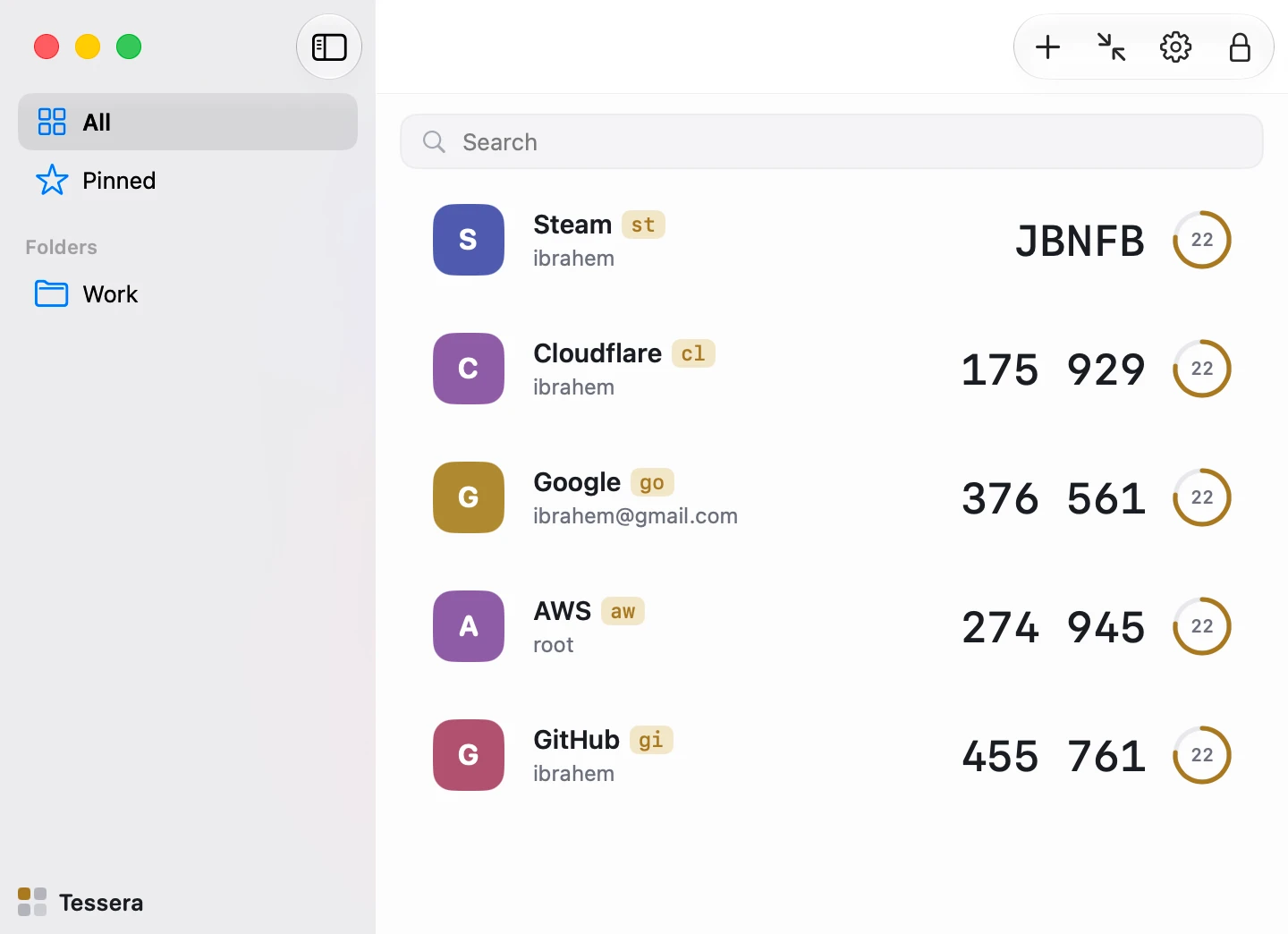
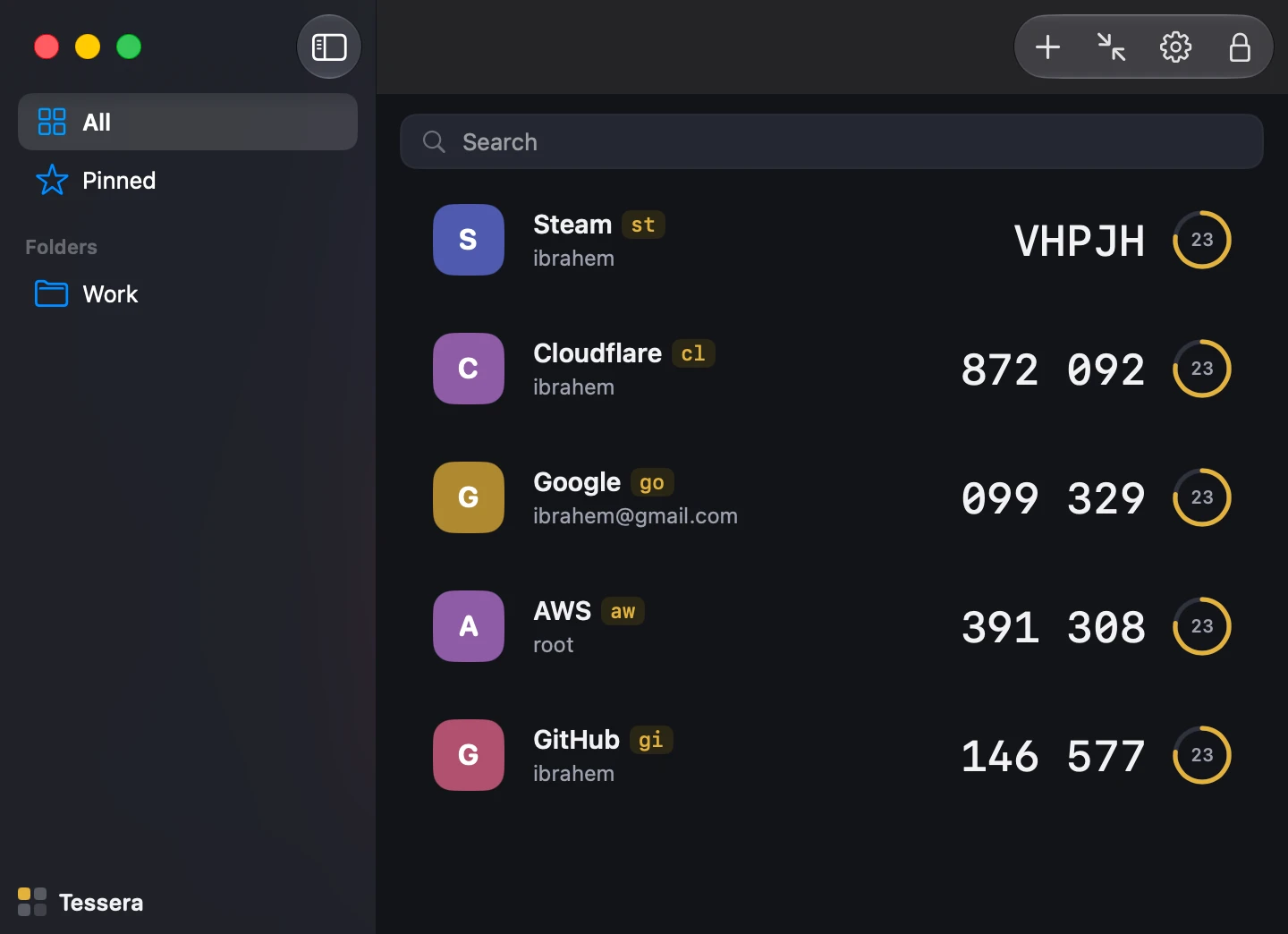
- You work on a Mac and want the code where the login happens, in a window or in a shell.
- You want to read the vault format and the code that implements it.
- You do not want a phone number or an account between you and your codes.
Moving from Authy
Authy has no export, so each account is re-enrolled: on the service's security page, turn two-factor off and on again, then scan the new QR with Tessera (on screen, from the app) or save it and run tess add code.png. Keep Authy installed until the last account has moved.
Facts about Authy were checked on 2026-08-22 and may have changed.